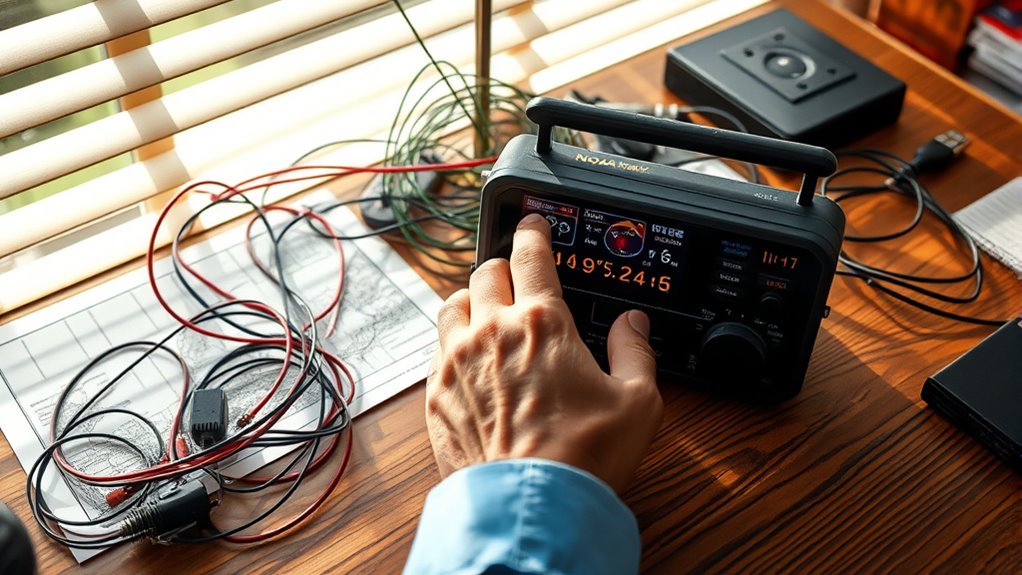

Many people set up their NOAA weather radios incorrectly, which can cause you to miss crucial alerts. Common mistakes include placing the radio in poor locations, misunderstanding how to program the correct codes and frequencies, or neglecting to set the right notification mode. You might also forget regular testing and fail to customize regional alert settings. If you want your NOAA radio to work reliably in emergencies, there’s more to know—keep going for all the tips.
Key Takeaways
- Placing the radio near metal objects or electronics can weaken signal reception.
- Selecting the wrong program codes or frequencies causes missed alerts.
- Forgetting to set or verify the correct notification mode can delay emergency warnings.
- Skipping regular testing and maintenance may leave the radio unprepared during emergencies.
- Ignoring regional alert customization risks missing location-specific weather warnings.
Choosing the Wrong Location for Your Radio
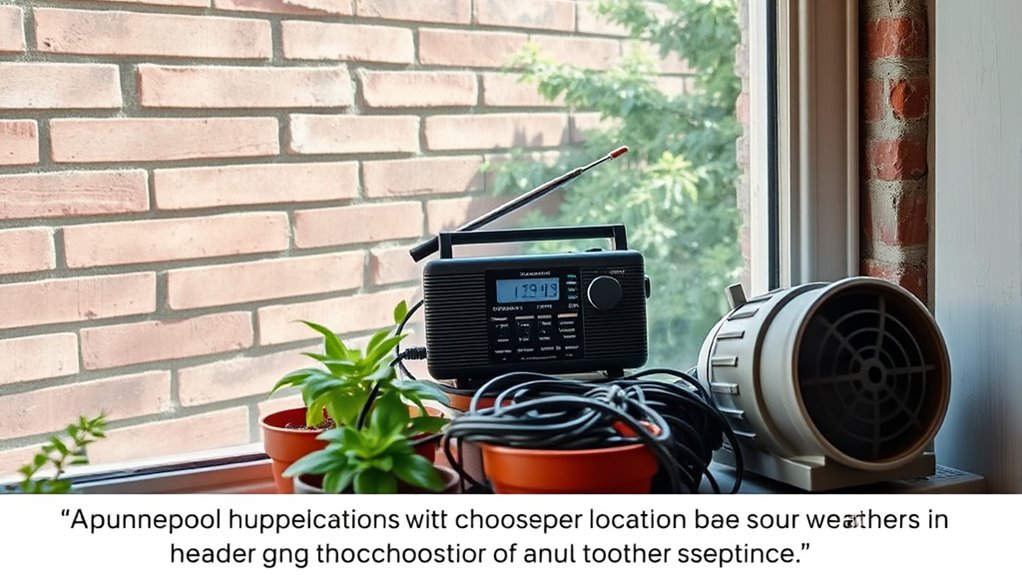
Choosing the wrong location for your NOAA Weather Radio can substantially reduce its effectiveness. You should prioritize ideal antenna placement to ensure clear signal reception. Keep the antenna away from metal objects, electronics, and thick walls that can block signals. Position it high and near a window if possible. Equally important are power sources; avoid outlets prone to outages or interference. Use a reliable power supply, and consider battery backups if power interruptions are common in your area. Placing your radio near sources of electrical noise can also hamper reception. Take time to experiment with placement, moving the radio and antenna until you find the spot with the clearest sound. Proper positioning ensures you stay informed when weather emergencies strike. Understanding signal interference can help you optimize placement for the best reception.
Misunderstanding the Importance of Program Codes and Frequencies

Many people overlook how important program codes and frequencies are when setting up their NOAA Weather Radio. Program code misconceptions often lead users to miss crucial alerts, as they think selecting the right area is enough. In reality, each broadcast area has specific program codes you need to program correctly. Similarly, frequency misunderstandings can cause you to tune into the wrong channel, making alerts impossible to receive. Knowing the correct frequency ensures your radio picks up the alerts intended for your region. Without properly understanding these details, you risk missing critical weather warnings. Don’t assume that just because your radio is on, it will automatically pick up signals. Take time to verify the right frequency and program codes for your location to ensure you stay protected. Understanding broadcast protocols can help you avoid common setup errors.
Forgetting to Set the Correct Notification Mode

Failing to set the correct notification mode can prevent your NOAA Weather Radio from alerting you promptly during emergencies. If you don’t choose the right alert tone, you might miss critical warnings. Make sure the volume control is adjusted so alerts are loud enough to hear, but not disruptive. Check your settings regularly to ensure alerts are active for the types of emergencies you want to be notified about. Being aware of alert customization options can help tailor notifications to your needs.
Overlooking the Need for Regular Testing and Maintenance
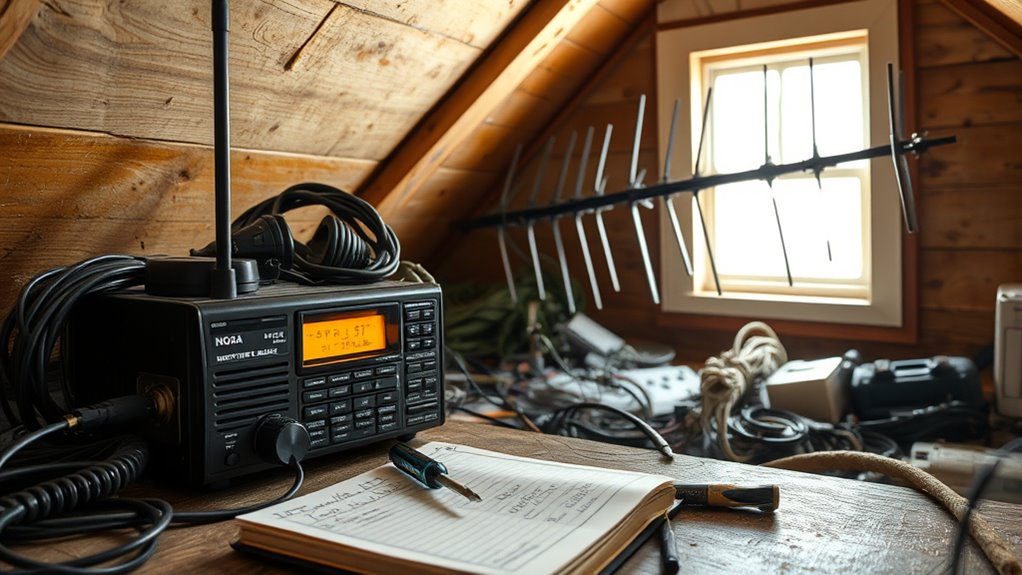
Neglecting regular testing and maintenance can leave your NOAA Weather Radio unprepared when emergencies strike. Without routine checks, you risk missing crucial alerts when it matters most. To stay reliable, follow maintenance schedules diligently. Incorporating AI-driven solutions can further enhance your setup by providing real-time diagnostics and updates. Here are four critical steps:
- Test your radio weekly to ensure alerts activate properly.
- Replace batteries annually or when low to prevent power failures.
- Clean vents and connections to avoid signal interference.
- Verify software updates or firmware as recommended by the manufacturer.
Skipping these steps can result in false confidence or complete failure during an emergency. Regular upkeep keeps your NOAA Weather Radio functioning flawlessly, giving you peace of mind when every second counts. Don’t overlook maintenance—your safety depends on it.
Ignoring Regional Alert Settings and Customization
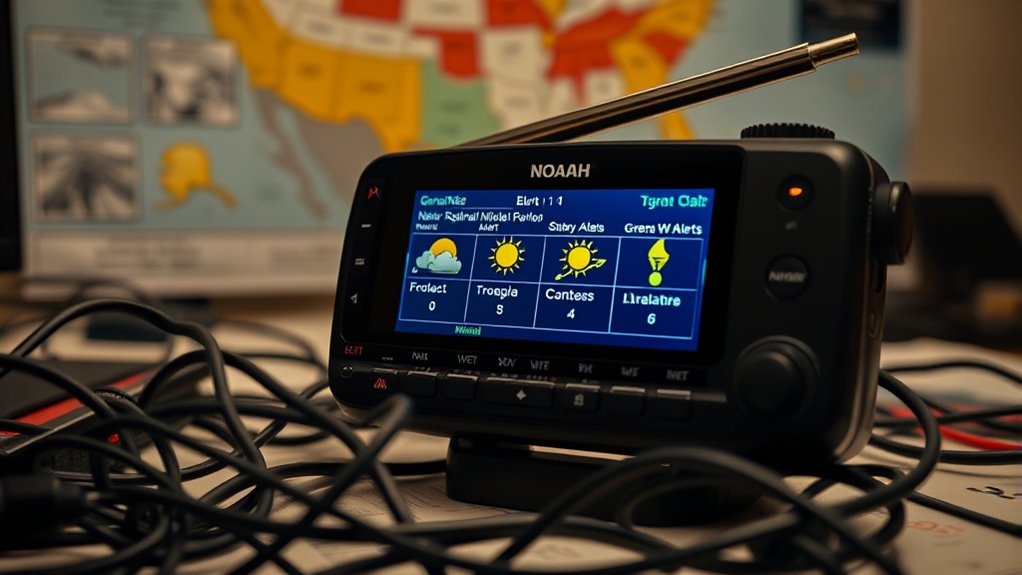
If you ignore regional alert settings and customization options on your NOAA Weather Radio, you risk missing critical alerts specific to your location. Regional alerts are essential because weather threats vary by area, and without proper setup, you won’t receive notifications for events that could directly impact you. Customization options let you select which alerts you want to hear, such as tornado warnings or flash floods, ensuring you’re not overwhelmed by irrelevant notifications. Failing to adjust these settings means you might miss urgent warnings or get alerts for regions that don’t concern you. Take the time to review and customize your radio’s regional alerts and alert types. Doing so guarantees you stay informed about weather threats that matter most to your safety and peace of mind. Additionally, understanding that Vetted information about alert systems can help you make informed decisions about your setup.
Frequently Asked Questions
Can NOAA Weather Radio Work During Power Outages Without Backup Power?
NOAA Weather Radio can work during power outages if you have a battery backup or an uninterruptible power supply (UPS). Without these, it won’t operate once the power goes out. To guarantee continuous alerts during power outages, you should connect your radio to a reliable battery source. This way, you stay informed about severe weather warnings even when the main power is unavailable.
Do All NOAA Radios Support All Types of Weather Alerts?
Not all NOAA radios support every weather alert type or radio frequency. You need to check the weather alert compatibility to make certain it receives alerts for severe weather, tsunami, or other emergencies. Also, verify the radio frequency support; some radios only tune into specific frequencies. Look for models that cover all relevant NOAA channels and alerts, so you stay fully informed during any weather emergency.
How Often Should I Update My Radio’s Program Codes?
You should update your NOAA Weather Radio’s program codes whenever new alert codes are issued, typically during seasonal changes or after a significant weather event. Regular program code updates guarantee you receive all relevant alerts. Additionally, review and customize your alert tones to distinguish between warnings, watches, and other notifications. Staying current with program codes and alert tone customization helps you stay informed and prepared for any weather emergencies.
Is It Necessary to Connect NOAA Weather Radio to a Home Wi-Fi Network?
No, you don’t need your NOAA Weather Radio to be Wi-Fi dependent. It’s designed to run on its own, with no network requirements, so you can rely on its broadcasts even during Wi-Fi outages. Connecting it to Wi-Fi isn’t necessary, and trying to do so might just complicate things. Your radio’s main job is to deliver critical alerts, not stream the latest viral videos.
Are There Any Legal Restrictions on Customizing Alert Tones?
There are generally no legal restrictions on customizing alert tones for your NOAA Weather Radio, but you should check your local laws to be sure. You can safely set custom alert tones to better recognize emergency alerts, as long as they don’t interfere with the station’s signals or violate any licensing rules. Just make sure your modifications don’t cause disruptions or false alarms, ensuring you stay compliant and prepared.
Conclusion
Setting up your NOAA Weather Radio isn’t just about turning it on—think of it as planting a seed. If you choose the right spot, program it properly, and keep it maintained, you’ll grow a reliable alert system that keeps you safe. Don’t let common mistakes be weeds choking your setup. Nurture it with care, and it’ll become your steadfast guardian, always ready to sound the alarm when trouble’s near.