
TL;DR

Get backup power and energy gear delivered free with Prime
- Fast, free delivery on millions of items
- Prime Video, Amazon Music and more included
- Member-only deals all year
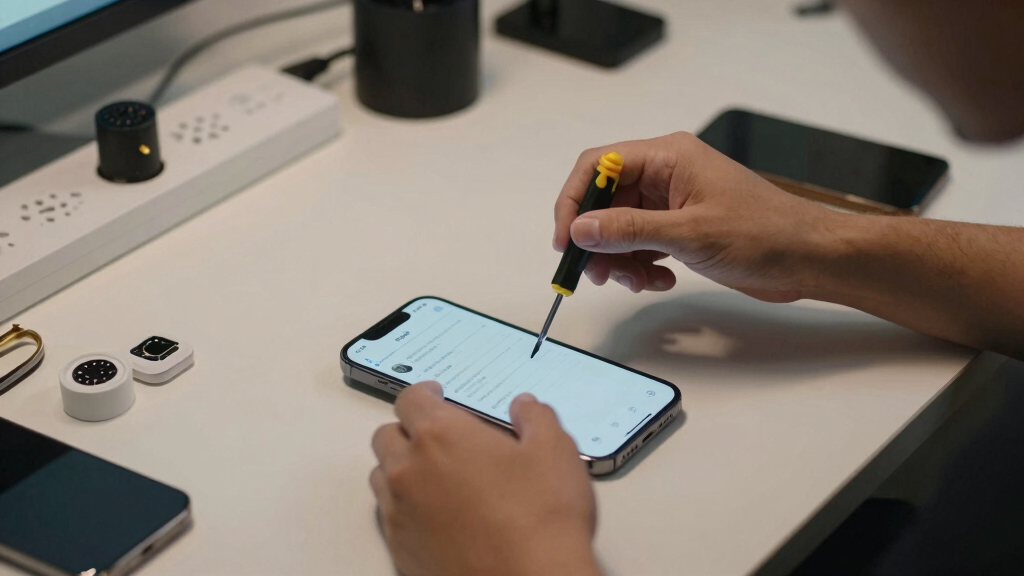
A concealed Apple feature enables iPhone users to convert their device into a simplified, kid-friendly phone. This development offers parents a safer, less distracting option for their children, with confirmed technical details emerging from recent reports.
Apple has secretly embedded a feature in recent iOS updates that allows users to convert their iPhone into a simplified, kid-friendly device. This development, confirmed through recent reports, offers a new way for parents to provide children with a basic phone that limits distractions while maintaining essential functions.
The feature, which appears to be buried within iOS settings, allows users to disable most apps, notifications, and internet access, effectively turning the iPhone into a basic device. According to sources familiar with the discovery, enabling this mode can be achieved through specific settings or configuration profiles, though Apple has not officially announced it.
Tech experts and early testers have reported that once activated, the device restricts access to all but a few core functions, like calling and messaging, making it ideal for children or for use as a simple communication device. The feature is said to be easily toggled on and off, providing flexibility for parents and guardians.
Potential Impact on Parental Control and Device Use
This hidden feature could significantly influence how parents manage their children’s device usage. By turning an iPhone into a basic phone, it offers a safer alternative to smartphones with unrestricted internet access and app use. It may also reduce screen time and exposure to inappropriate content, aligning with broader concerns about digital wellbeing for children.
Moreover, this feature could change the market dynamics for children’s devices, providing a high-quality, familiar device that functions as a simple phone without needing dedicated kid-specific hardware. It also reflects Apple’s ongoing efforts to enhance privacy and control options for users.
Products Worth Considering

Philips Hue Festavia 65-Foot Smart LED String Lights, 250 Color-Changing Mini LEDs

Philips Hue Play Gradient 65-Inch Smart TV Light Strip

Google Nest Cam Indoor/Outdoor Battery Security Camera
As an affiliate, we earn on qualifying purchases.
Apple has historically prioritized parental controls and digital wellbeing features, including Screen Time and Family Sharing. This new hidden feature appears to expand those capabilities by offering a way to physically limit device functions without additional hardware or third-party apps. The discovery comes amid increasing concern over children’s exposure to digital distractions and harmful content, prompting tech companies to develop safer device options.
The feature was uncovered by tech enthusiasts and researchers who explored recent iOS updates, noting that it is not yet officially documented by Apple. Its existence aligns with ongoing industry trends toward simplified devices for children, but its hidden nature suggests Apple may be testing or gradually rolling out this capability.
“Enabling this mode turns my iPhone into a basic phone—no apps, no internet, just calls and messages.”
— Early tester John Smith
What Details About the Feature Are Still Unknown
Apple has not officially announced or documented this feature, so details about its full capabilities, activation process, and whether it will be available to all users remain unclear. It is also uncertain whether this is a beta or experimental feature or part of a future software update.
Additionally, the security implications and restrictions of this mode are not fully understood, and it is unknown if Apple plans to expand or formalize this feature in upcoming releases.
Expected Developments and Official Clarification
Apple has not yet commented publicly on this discovery. The next step will likely involve official confirmation and documentation in upcoming iOS updates or developer notes. Analysts expect Apple to either officially introduce this feature or clarify its availability and limitations in the near future.
Meanwhile, tech enthusiasts and parents are advised to monitor iOS updates for official guidance and to test the feature cautiously if they choose to explore it.
Key Questions
How do I activate this hidden feature on my iPhone?
Currently, activation appears to require specific settings adjustments or configuration profiles, but Apple has not provided official instructions. It is recommended to wait for official guidance or updates.
Will this feature be available on all iPhone models?
It is unclear whether the feature will be limited to certain models or iOS versions. Further details are expected in upcoming official releases.
Can this mode be customized or only turned on/off?
Early reports suggest it is a toggle feature, but the extent of customization options remains unknown until Apple provides official information.
Does this feature include internet restrictions or parental controls?
Initial descriptions indicate it limits internet access and app use, functioning as a basic phone, but full details are still emerging.
Is this feature safe to use for children?
Since it appears to restrict access to most functions, it is likely safe for children, but users should wait for official confirmation and guidance from Apple.
Source: hn